
WordPress Theme vs HTML Template: Which Is Right for You? (2026)
By Shehzad Hussain · Last updated: November 2026
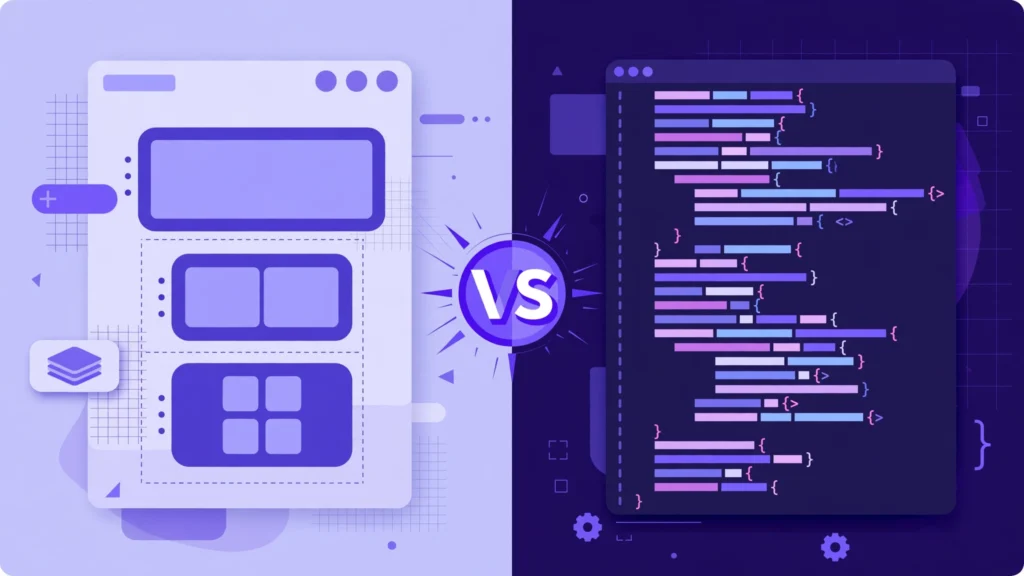
Choose a WordPress theme if you want to manage content yourself without coding; choose an HTML template if you’re a developer building a custom site or web app. WordPress themes run on WordPress with an admin dashboard, while HTML templates are raw front-end code (HTML/CSS/JS) you customize by hand.
What is a WordPress theme?
A WordPress theme is a design and functionality package that runs inside WordPress. It controls how your site looks while WordPress itself handles content management — pages, posts, media, users — through a visual admin dashboard. You can publish a blog post, add a team member, or change a headline without touching any code.
What is an HTML template?
An HTML template is standalone front-end code — HTML, CSS, and JavaScript files with no CMS attached. What you see is what you edit: to change text, swap an image, or add a page, you open the files and edit them directly. There is no admin panel, no database, and no login.
What is the main difference between a WordPress theme and an HTML template?
The difference is who manages the content and how. A WordPress theme works inside WordPress with a visual admin panel, so non-developers can run the site day to day. An HTML template is just code files — faster and lighter, but every change requires a developer. In short: themes trade a little performance for total manageability; templates trade manageability for total control.
| WordPress Theme | HTML Template | |
|---|---|---|
| Skills needed | None — visual editing | HTML/CSS/JS knowledge |
| Content management | Built-in dashboard | Edit code directly |
| Best for | Business sites, blogs, agencies | Developers, web apps, landing pages |
| Plugins & extensions | 60,000+ available | Integrate manually |
| Speed of launch | Hours | Days (custom build) |
When should I choose a WordPress theme?
Pick a WordPress theme when you (or your client) need to update content regularly — blog posts, portfolios, service pages, team bios — without touching code. It’s also the right choice when you want plugins for SEO, contact forms, backups, or e-commerce without building those features yourself. Our WordPress themes cover agencies, construction, architecture, IT, events, consulting, and more.
When should I choose an HTML template?
Pick an HTML template when you’re a developer who wants full control, maximum performance, or a foundation for a web application. HTML templates are lighter and faster because there’s no CMS overhead, and the code is fully yours to reshape — ideal for landing pages, dashboards, and custom web apps.
Can I convert an HTML template into a WordPress theme?
Yes, but it requires real development work: splitting the HTML into WordPress template files (header, footer, page templates), wiring the content areas to the CMS, and rebuilding interactive parts as theme features. For most projects, starting with a WordPress theme built for your niche is dramatically faster and cheaper than converting.
Which is better for SEO — WordPress theme or HTML template?
Both can rank well, and content quality matters more than the underlying technology. WordPress themes have an edge for content-heavy sites thanks to SEO plugins like Yoast SEO that handle sitemaps, schema, and meta tags automatically. HTML templates have an edge for raw page speed, which is a confirmed ranking factor. Choose based on your content workflow, not SEO myths.
Which option launches faster?
A WordPress theme launches in hours: install WordPress, install the theme, import demo content, replace the text and images. An HTML template typically takes days because every page must be hand-built and every integration (forms, analytics, CMS-like behavior) coded manually.
Quick answers
Do I need coding skills for a WordPress theme?
No. Modern themes with page builders like Elementor are fully visual — if you can use a word processor, you can run a WordPress site.
Are HTML templates cheaper than WordPress themes?
The purchase price is similar, but the total cost differs: HTML templates need developer time for every change, while WordPress themes let you make changes yourself for free.
WordPress theme versus HTML template, side by side
A quick comparison drawn from the points this post makes. Read the full article for the reasoning behind each row.
| Question | WordPress theme | HTML template |
|---|---|---|
| Best for | A WordPress theme is a design and functionality package that runs inside WordPress. | An HTML template is standalone front-end code — HTML, CSS, and JavaScript files with no CMS attached. |
| Getting online fast | A WordPress theme launches in hours: install WordPress, install the theme, import demo content, replace the text and images. | An HTML template typically takes days because every page must be hand-built and every integration (forms, analytics, CMS-like behavior) coded manually. |
| Search visibility | WordPress themes have an edge for content-heavy sites thanks to SEO plugins like Yoast SEO that handle sitemaps, schema, and meta tags automatically. | HTML templates have an edge for raw page speed, which is a confirmed ranking factor. |
Frequently asked questions
What does it cost to run a WordPress site versus a static HTML site over three years?
WordPress itself is free, but the running cost is hosting, a premium theme, and the plugins you add — the post’s price discussion puts premium themes in the tens of dollars, so the theme is a small part of the total. A static HTML site has almost no running cost beyond hosting, because there is no database, no admin area to maintain, and nothing to update each month. Over three years the HTML route is usually cheaper in money and dearer in your time whenever you need a change.
Who on my team needs to be able to edit the site?
If anyone without coding skills must publish pages, change text, or add images, the post leans toward WordPress, because the editor is built for that. If only a developer touches the site, an HTML template is fine and removes the whole update-and-plugin routine. Decide this before you choose, because it is the question that most often forces a rebuild later.
How does each option handle a blog or news section?
A WordPress theme handles publishing natively — categories, archives, scheduling, and author pages are part of the platform. An HTML template gives you static pages that look like a blog, but every new article is a hand-built page, which becomes slow and error-prone after a dozen posts. If publishing is part of the plan at all, WordPress is the practical choice.
What happens when I need a contact form, booking, or shop on an HTML template?
You wire in a third-party form, booking, or checkout service, which works but adds a dependency and a monthly cost for each one. On WordPress those features are plugins you install inside the same site. The post’s advice holds here: count the features you will actually need before you pick, not after.
Which option is easier to hand over to another developer?
A standard WordPress theme is easier to hand over, because any WordPress developer recognises the structure, the theme files, and the admin area. A customised HTML template is only as clear as its own code and documentation, so a handover depends on how well it was written. Ask for the demo and the code comments before you buy either way.
Both options can produce a good site — the right choice depends on who will update it, how often it changes, and what it must do in a year, not just on launch day. Prices, features, and platform behaviour change, so verify the current state before deciding.
Sources
- MDN Web Docs — HTML: HyperText Markup Language (accessed November 2026)
- ThemeForest — Expert Themes seller page, member since July 2016 (accessed November 2026)


