
Free vs Premium WordPress Themes: What’s the Real Difference?
Free vs Premium WordPress Themes: What’s the Real Difference?
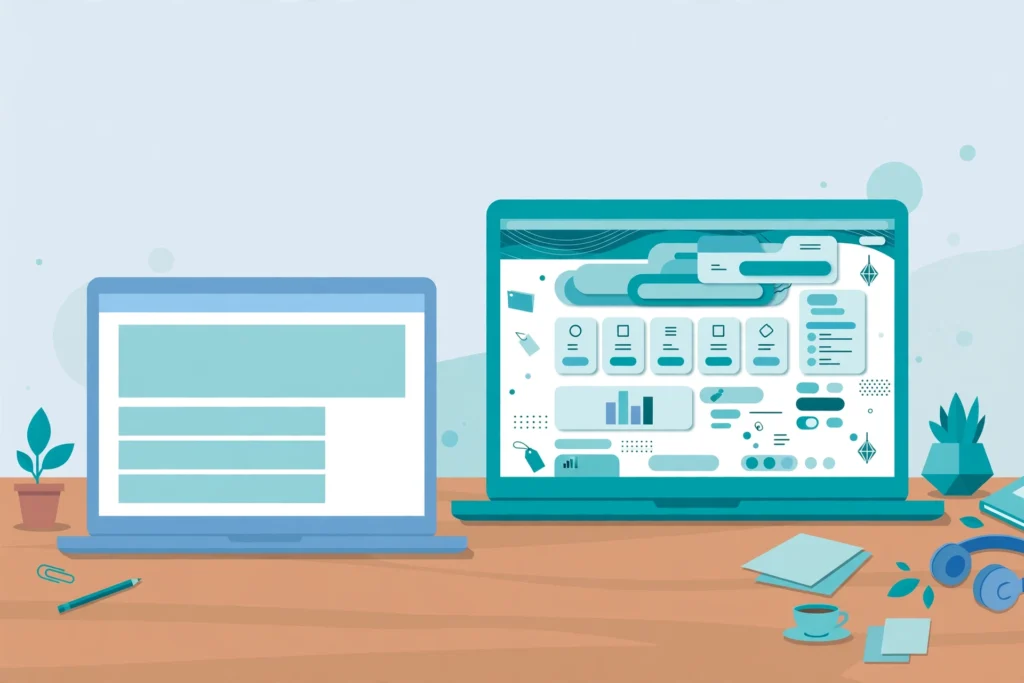
Direct answer: The real difference between free and premium WordPress themes is rarely the design — many free themes look great. The difference is what comes with it: dedicated support, regular updates, deeper customization options, and features like built-in page-builder templates and demo content. Free themes are often enough for a simple blog or personal site; premium themes usually pay for themselves on business sites where downtime, missing features, or a week of troubleshooting costs more than the license.
What are you actually paying for with a premium theme?
A premium theme license — typically a one-time payment in the $30 to $60 range on marketplaces, or an annual subscription on theme shops — buys you four things, not one. First, the theme itself: more layouts, more demo designs, and more customization controls. Second, support: a real person (or team) who answers when something breaks. Third, updates: compatibility fixes for new WordPress releases, security patches, and occasional new features. Fourth, documentation and demo content that lets you recreate the advertised look instead of guessing how it was built.
A free theme from the official WordPress.org directory gives you the theme itself and community support through its forum, but no guaranteed response time and no obligation for the author to keep developing it. That is a fair trade for many sites — but it is a trade, and you should make it knowingly.
Are free themes any good, or is “free” a trap?
Free themes are genuinely good in 2026, and saying otherwise would be dishonest. Themes in the official directory pass a review process covering code quality, security basics, and licensing, and some of the most-installed themes in the world are free. If your site is a personal blog, a hobby portfolio, or a small site with a few pages, a well-chosen free theme can serve you for years.
Where free themes show their limits is depth. A free theme may offer one blog layout and a handful of color options where a premium theme offers six layouts, header builders, mega menus, and dozens of starter templates. Free themes also commonly reserve their best demo designs and some features for a “pro” upgrade — the free version is sometimes best understood as a working sample of the paid one. That is not a scam, but it does mean the site you build with the free version may not match the screenshots that attracted you.
The real trap is not price; it is provenance. A theme downloaded from a random site offering “premium themes free” is often a nulled theme — pirated code with malware or hidden links injected. Only install free themes from WordPress.org or a developer you can verify, and only buy premium themes from the developer or an authorized marketplace.
How much does support really matter?
Support matters in inverse proportion to your own experience. If you can read a PHP error, inspect a theme file, and fix a conflict yourself, you may never need it. If you cannot, support is the difference between a site fixed in a day and a site broken for a week while you search forums.
Consider a realistic scenario: a WordPress update breaks your site’s menu, and you have a product launch on Friday. With a premium theme, you open a support ticket and typically get a fix or a workaround within a day. With a free theme, you post in a forum and hope a volunteer replies — sometimes quickly, sometimes never, because nobody is paid to answer. For a business site, that uncertainty is a cost, even though it never appears on an invoice.
Before buying, check what support actually covers: most theme authors support their own code, not your plugins, hosting, or custom modifications. Read the support policy before purchase, not after you need it.
Do premium themes get better updates?
Usually, yes — but not automatically. A paid theme has a business reason to stay compatible: the author’s income depends on it. That means faster compatibility updates when WordPress ships a major release, security patches when a vulnerability is found, and ongoing feature development. Free themes maintained by a company with a paid version often enjoy the same discipline, because the free theme is their marketing.
The risk case on both sides is abandonment. A free theme by a hobbyist can stop updating without notice; a premium theme from a shop that shuts down can too. Before committing to any theme, check its update history: when was the last update, and how often does it ship? A theme updated within the last few months and compatible with the current WordPress version is a healthy sign, free or paid. A theme untouched for two years is a risk no matter what it cost.
What features do premium themes include that free ones don’t?
The most common premium-only extras are practical, not cosmetic. Starter templates and one-click demo import let you start from a finished-looking site instead of a blank page. Advanced header and footer builders, custom post layouts, and integrated page-builder widgets cut down on extra plugins. WooCommerce styling and features matter if you sell online, and many premium themes bundle premium plugins (such as slider or form tools) with a license that is valid only while the theme is active.
That last point deserves care: a bundled plugin license belongs to the theme, not to you. If you switch themes later, you may lose updates for the bundled plugin. Factor that into your decision rather than discovering it during a redesign.
On performance, price is not a reliable signal. Some premium themes are heavy — page-builder demos loaded with animations and scripts — while some free themes are lean and fast. Judge a theme by testing its demo with a speed tool, not by its price tag. Our guide to speeding up a slow WordPress site covers the checks that matter most.
When is a free theme the right choice?
Choose free when the site is simple and the stakes are low: a personal blog, a hobby site, a portfolio, or a first website while you learn WordPress. Choose free when you are comfortable troubleshooting on your own, or when you have a developer who can step in. Choose free when the theme does everything you need out of the box — if you find yourself planning three plugins to patch gaps, the “free” theme is already costing you time.
One good rule: build the site with the free theme first. If you hit its limits within a week — a layout you cannot get, a feature behind the paywall, a support question nobody answers — that experience tells you more than any comparison article can.
When should you pay for a premium theme?
Pay when the site earns money or represents your business: a company site, a store, a membership site, or a client project. The license price is small next to a day of lost sales or a week of your own time. Pay when you need a specific design or feature set that no free theme offers — niche layouts for restaurants, gyms, real estate, or schools, for example. Pay when you want demo content that matches the design you saw, so launch day does not turn into a rebuild.
Pay, too, when support has real value to you: a deadline, a non-technical team, or a site you cannot afford to leave broken. And if you are choosing a theme for a business niche, start from a collection built for it rather than a generic theme — browsing the theme catalog by category will show you what a purpose-built design looks like before you commit.
Finally, a word on total cost. A $49 theme used for three years costs about $1.36 a month. A free theme that needs two paid plugins and four hours of your troubleshooting every few months can easily cost more. Price is what you pay; cost is what the whole setup demands. Judge themes on the second number.
Frequently asked questions
Can I switch from a free theme to a premium one later?
Yes. WordPress lets you change themes anytime, and your posts, pages, and media stay intact. You will need to redo theme-specific settings, widgets, and menus, so expect some rework — another reason to pick carefully the first time.
Are premium themes always faster than free ones?
No. Speed depends on code quality, images, hosting, and plugins, not price. Some premium themes are heavy with features you never use; some free themes are very lean. Test the demo before deciding.
Do I need to renew a premium theme license every year?
It depends on the seller. Marketplace purchases are usually a one-time payment with a fixed support period (often six months, extendable), while theme shops often sell annual subscriptions covering updates and support. Check the terms before buying.
Is it safe to use a free theme from outside WordPress.org?
Generally, no. Unofficial sources can distribute modified themes containing malware or spam links. Stick to WordPress.org or developers you can verify.
Can I use one premium license on multiple sites?
Usually not — most licenses cover a single site, with multi-site or agency licenses sold separately. Check the license terms if you run several sites.
Related reading: our guide to choosing the right WordPress theme for your business walks through the full selection process, from goals and budget to testing a demo before you buy.